Signing in
There are three ways to get into your SalahClock account, all on the same sign-in page. Pick whichever is easiest for you — they all land in the same place.
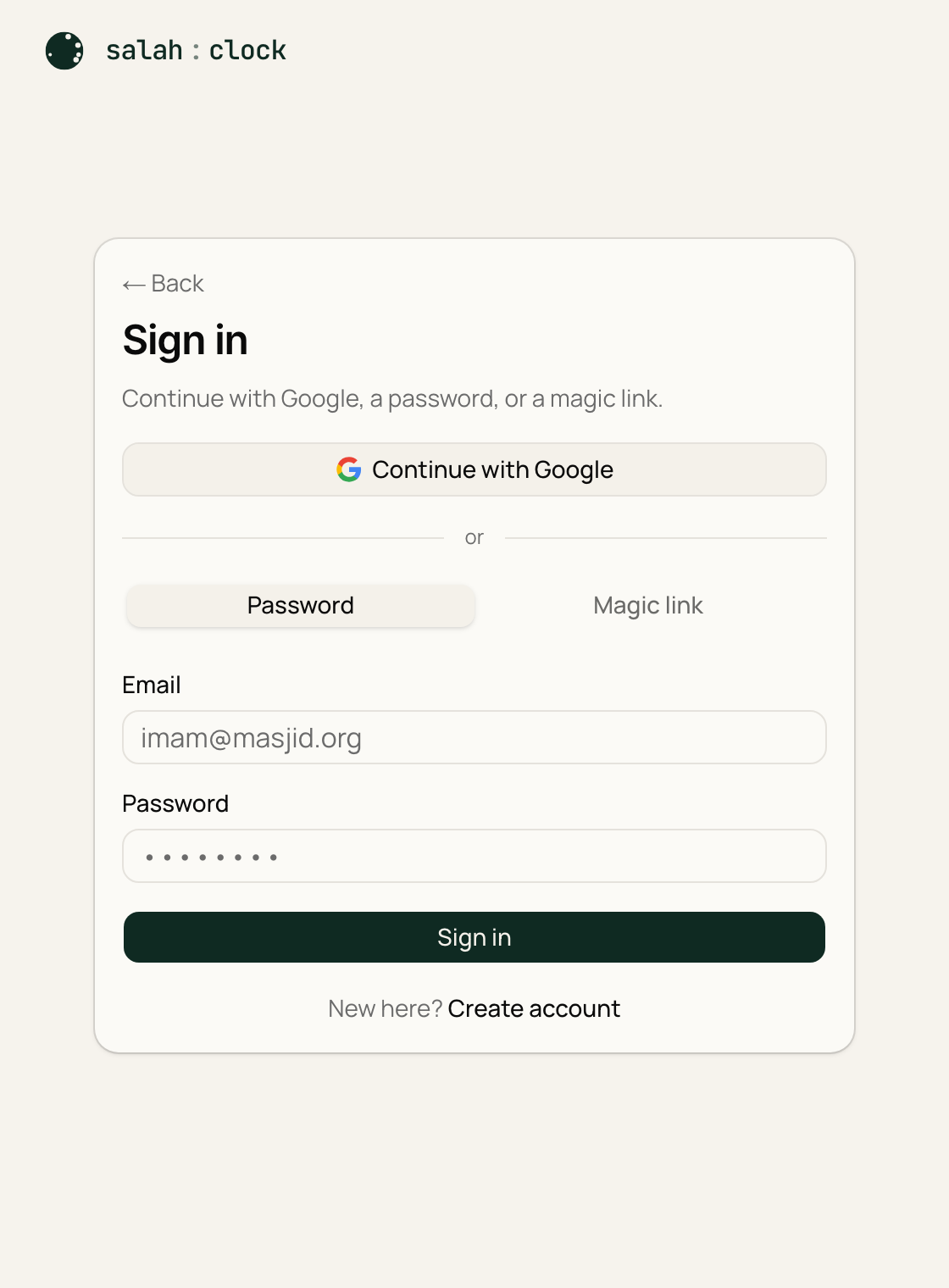
1. Continue with Google
The fastest option. Click Continue with Google, choose your Google account, and you're in — no password to remember.
2. Email and password
Type your email and a password (at least 6 characters), then:
- New here? Choose Create account. We may send a confirmation email — click the link in it to finish.
- Returning? Choose Sign in.
Forgot which one you used?
If you first signed up with Google, just use Continue with Google again — it remembers you. You don't need a separate password.
3. Magic link
Don't want a password at all? Enter your email and choose the magic link option. We email you a one-time link — click it and you're signed in. The link works once and then expires, so it stays secure.
After you sign in
You'll land on your dashboard, where all your clocks live. If you were trying to reach a specific page, we send you straight there instead.
Note
Signing in on the TV or kiosk device isn't required to show a clock — the display link works without logging in. You only sign in to manage your clocks. See Opening the display.