SalahClock for schools & institutes
Every screen in the building, on the same schedule.
Madrasahs, weekend schools, and Islamic centers run SalahClock in the lobby, the prayer hall, and the classrooms — one account, one schedule, every screen in sync.
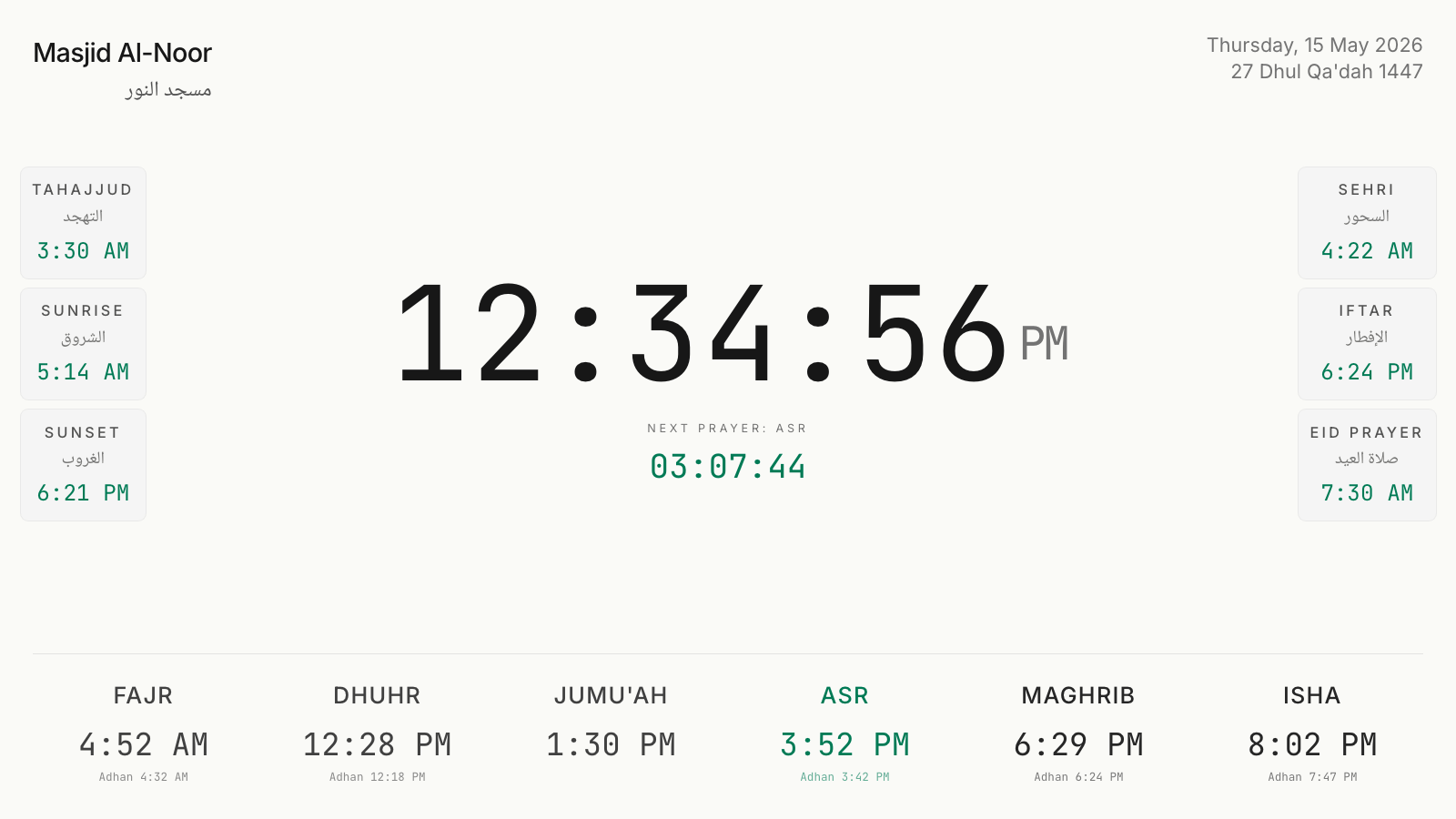
01 / One account
The lobby, the hall, the classrooms
Plans are priced per clock with a pool of displays, not per screen — so the same schedule can run on six screens across the building, and a change made in the office reaches all of them instantly.
- Pools of clocks and displays to split as you like
- Pro covers multi-site schools and centers
- Institution discounts available — just ask
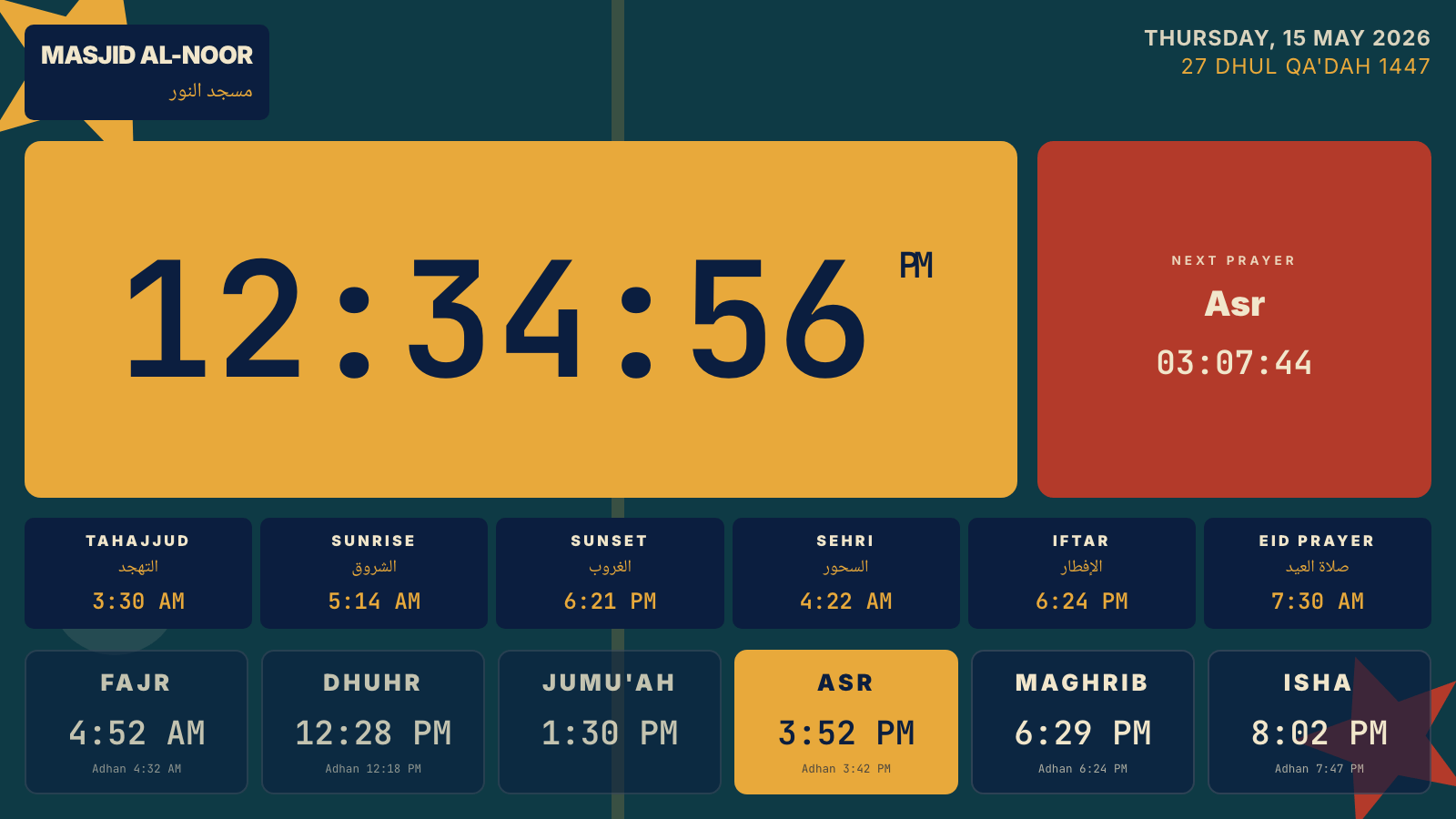
02 / More than a clock
Announcements, events, Ramadan
Content screens carry the school's rhythm: assembly notices, exam schedules, iftar times, and auto-scheduled Ramadan and Eid countdowns — always with the next prayer pinned on screen.
- Announcement slides managed from the office
- Ramadan and Eid content schedules itself
- Split screen for times and notices together
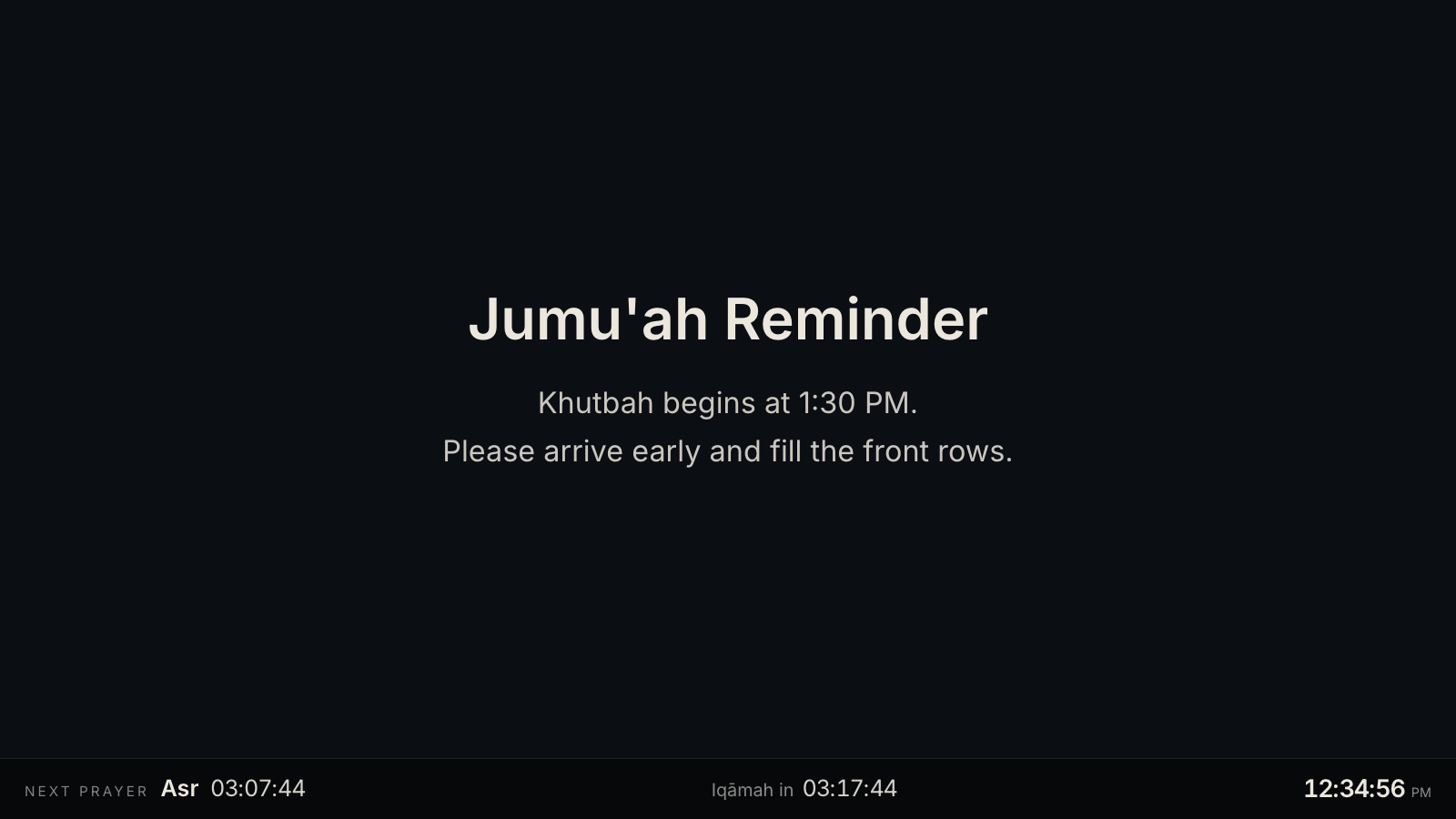
03 / Made to teach
Times the students can read
Ten languages, four numeral systems, and bilingual prayer labels — so the display teaches the names and the times in the script your students are learning, legibly from the back of the room.
- Arabic, English, Urdu, Turkish, Bangla, and more
- Native numerals: ١٢٣٤, ۱۲۳۴, ১২৩৪, 1234
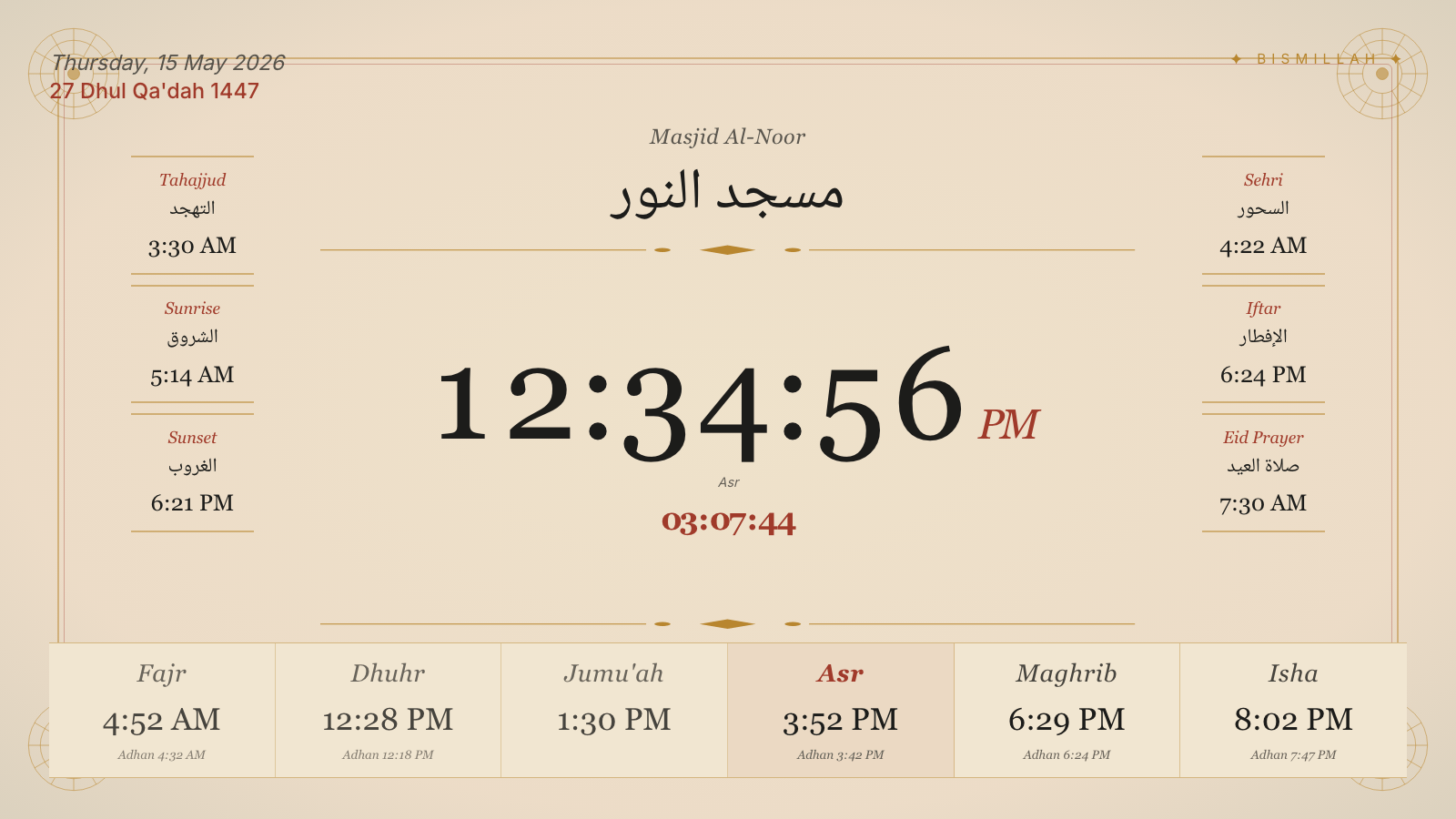
- Every theme tuned for distance legibility
Common questions
Do you offer discounts for schools?
Yes. Qualifying institutions — Islamic schools, madrasahs, and mosque networks — can request a discount on any paid plan. Get in touch and tell us about your setup.
Can we manage screens across several buildings?
Yes. The Pro plan covers multi-site schools and centers, and Enterprise scales to 100 clocks and 300 displays with dedicated onboarding.
Who looks after it day to day?
Anyone with the account login. Times update themselves; announcements are edited from a phone or laptop and appear on every screen.
What happens during Ramadan?
Ramadan and Eid countdowns schedule themselves, and Suhur and Iftar timings can be shown alongside the daily prayers — no manual switching at either end of the month.
One schedule for the whole school.
Start with one free clock in the lobby — grow to every screen in the building when you're ready.
Also on the wall at