Jumu'ah (Friday) settings
Friday works a little differently. The Jumu'ah time is set on the General tab, while the Friday reminders and khutbah screen are on the On screen tab.
Jumu'ah replaces Zuhr
Turn on Jumu'ah replaces Zuhr on Fridays so that, on Fridays, the "next prayer" highlight, countdown, and label point to Jumu'ah instead of Zuhr. The prayer grid itself doesn't change — only the highlight moves. (Off: the next prayer is always Zuhr.) Set the Jumu'ah iqamah offset on the Iqamah page.
Jumu'ah Mubarak greeting
Switch on the Jumu'ah Mubarak greeting to show a "Jumu'ah Mubarak" ribbon at the top of the display every Friday. Below it you can add your own Friday reminders — type one per line (a hadith, a class reminder, an event notice). Leave it empty to use the built-in defaults.
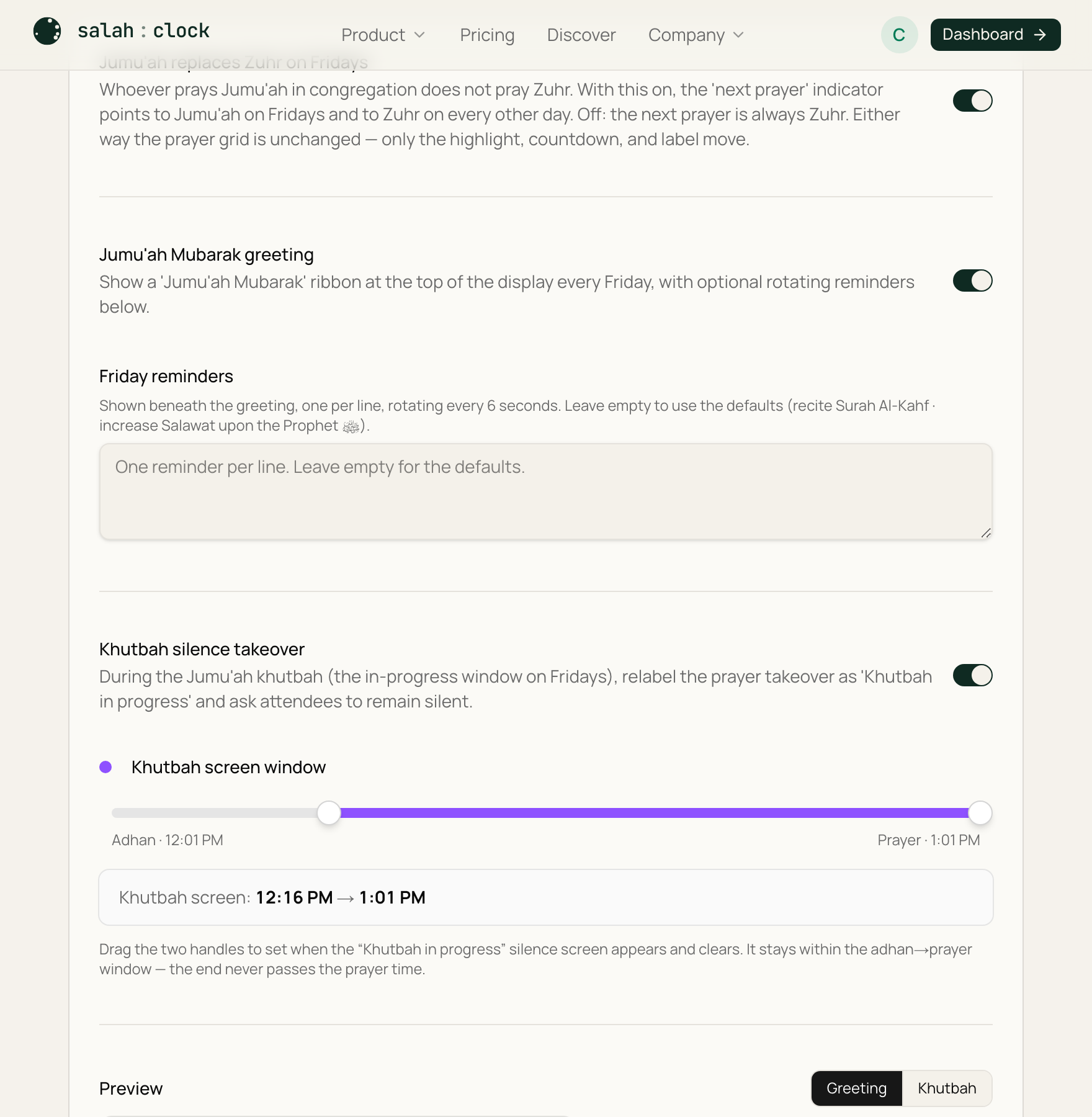
Khutbah silence takeover
Turn on Khutbah silence takeover and, during the Friday in-progress window (the same takeover described in Prayer-in-progress), the screen is relabelled "Khutbah in progress" and asks attendees to stay silent. It uses the in-progress timing you've already set — there's nothing separate to schedule.
Tip
Use the Friday test preview to see the greeting ribbon and khutbah screen exactly as they'll appear, without waiting for Friday.