Screen types
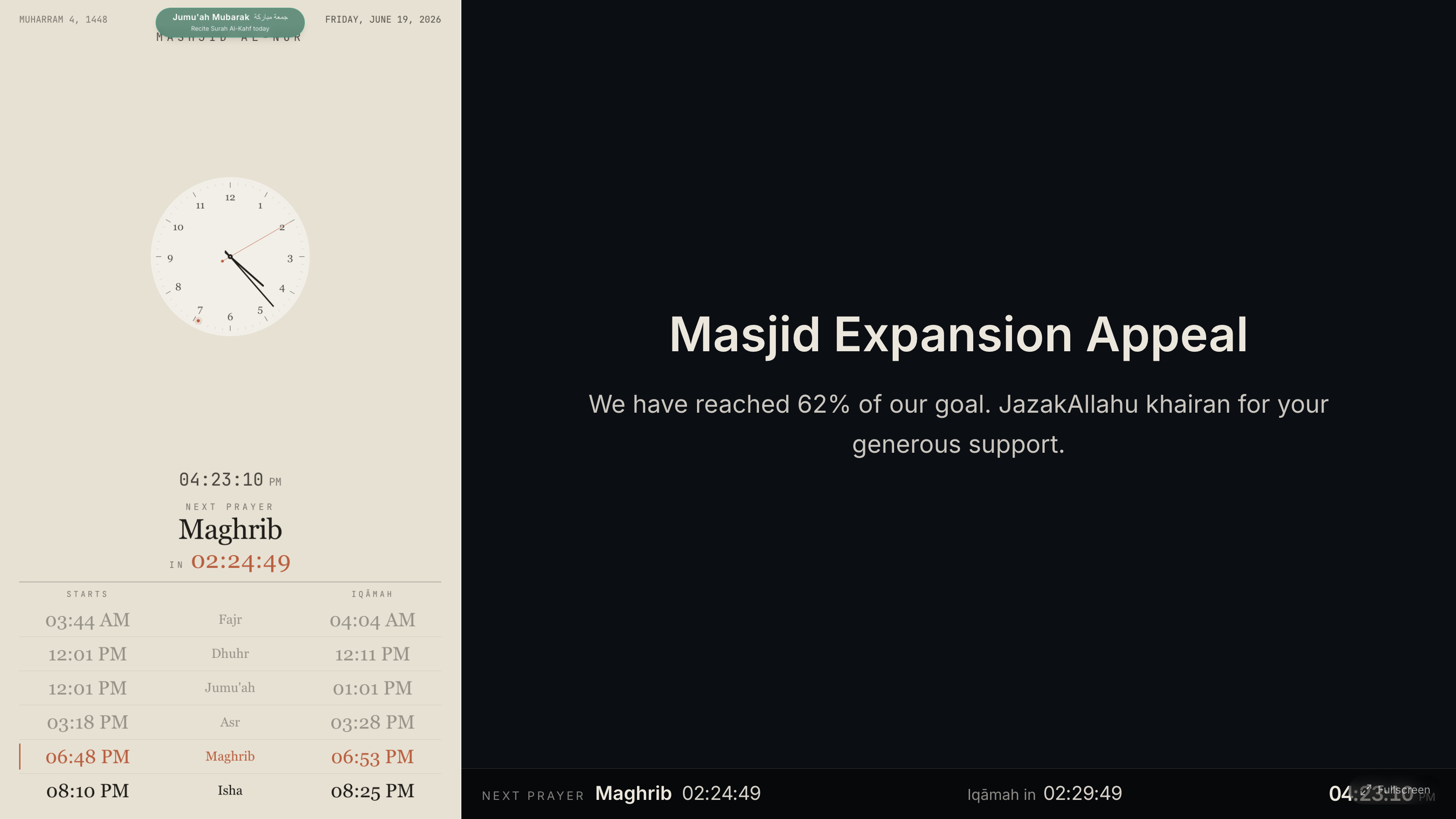
A clock can do more than tell the time. On the General tab, the screen type dropdown sets what the display shows:
- Prayer — the classic prayer-time clock. The default.
- Content — a full-screen slideshow of your announcements and images. Plus
- Combined — the prayer clock and your content side by side. Pro
Which should I use?
- One screen in the lobby for notices? Use Content.
- A single screen that must show both times and notices? Use Combined.
- Most prayer-hall screens stay on Prayer.
Plan needed
Content screens are a Plus feature, and combined screens are Pro. On the free plan the screen type stays on Prayer. See Plans compared.
Next: build your slide deck.