Account menu
The account menu lives in the top corner of the dashboard. Click your account button to open it.
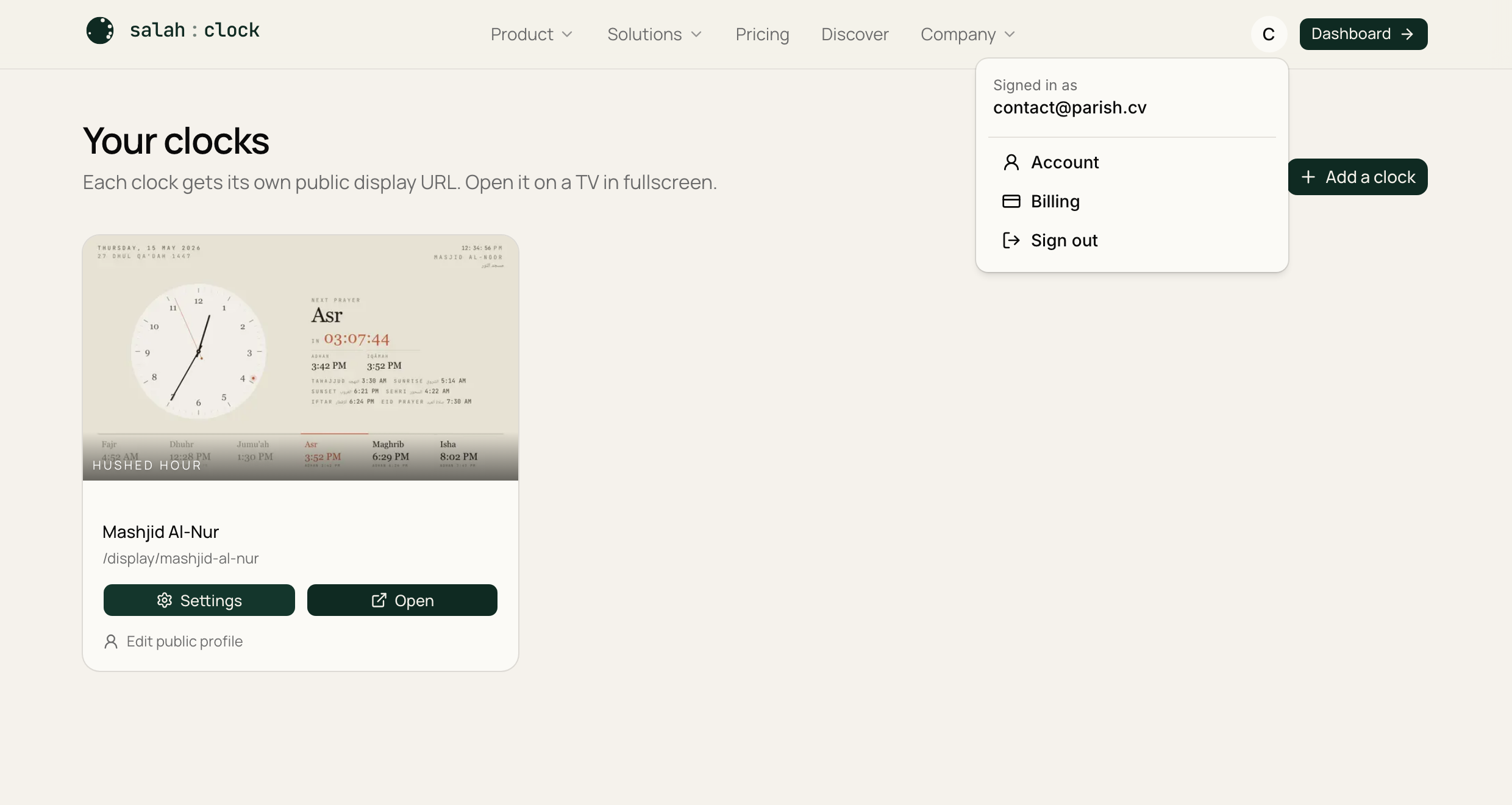
From here you can:
- Open your Account page — your details, a downloadable copy of your data, and account deletion.
- Jump to Plan & usage / billing.
- Sign out of your account.
Note
Signing out only affects managing your clocks. Any displays already running on your TVs keep working — they don't need you to stay signed in.