Hardware & monitoring
What runs a display
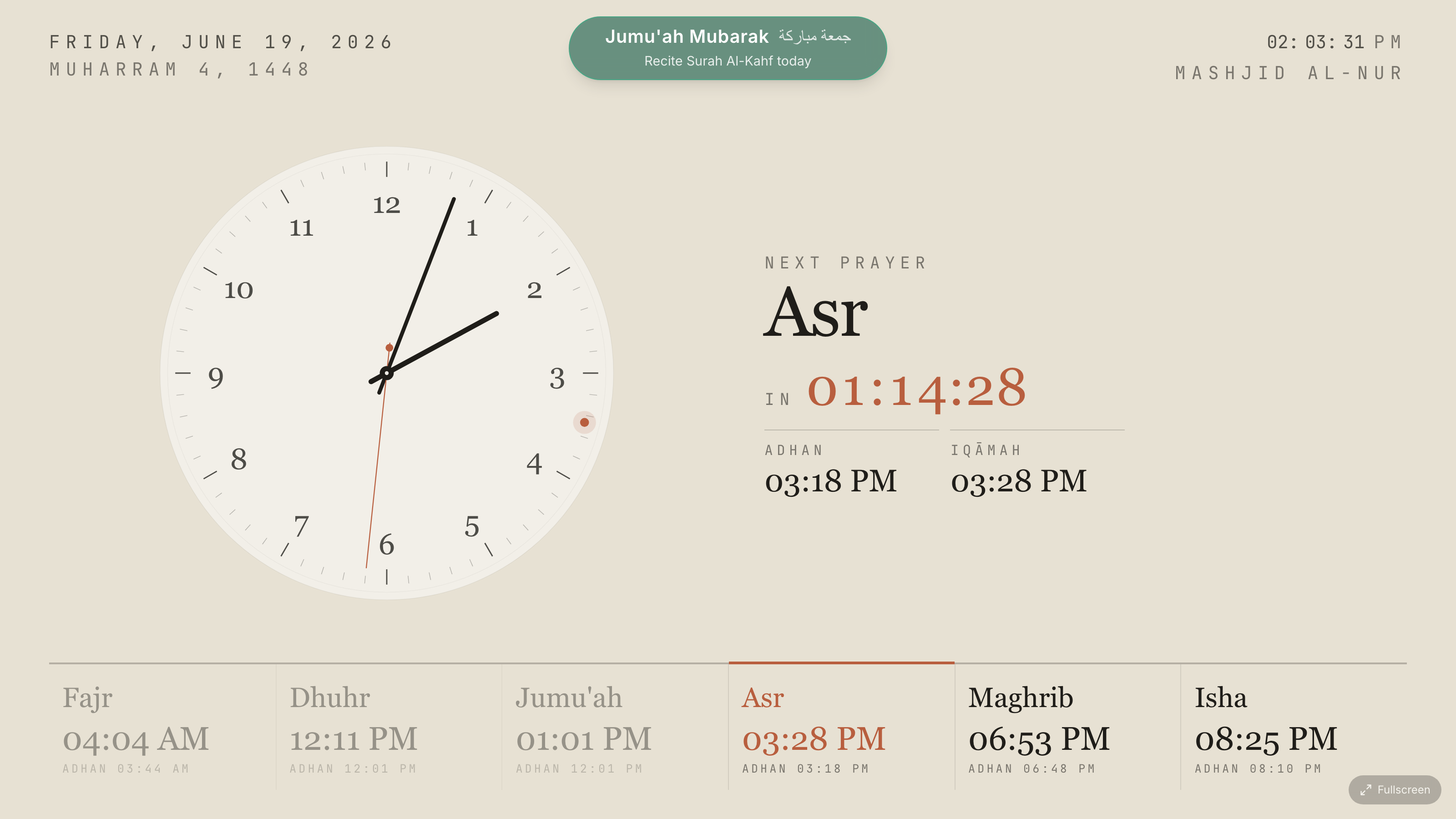
A SalahClock display is just a web page, so almost anything with a modern browser works:
- A smart TV with a built-in browser.
- A TV stick or box (an Android TV / Google TV device, a Fire TV stick) — cheap and reliable.
- A mini PC or an old laptop plugged into the TV via HDMI.
- A tablet for a smaller noticeboard screen.
Most reliable setup
A small dedicated TV stick or mini PC running the installed app in full-screen, set to power on with the TV. It boots straight into the clock and recovers on its own.
Keeping it awake
To stop the device sleeping or showing a screensaver, disable power-saving on the device itself. To rest the screen on purpose overnight, use the screen sleep schedule instead.
Online monitoring (heartbeat)
Each running display quietly checks in with SalahClock about once a minute — a heartbeat — so you can see whether a screen is online.
The Displays tab Plus
Open a clock's settings and go to the Displays tab to see every screen showing that clock, with a status and when it last checked in:
- Online — checked in within the last 5 minutes.
- Unstable — quiet for 5–15 minutes (often a reboot or a brief network drop).
- Offline — nothing for more than 15 minutes.
Each screen is listed with a friendly name (e.g. "Chrome on Android") so you can tell your kiosks apart. Smart TVs are named by their actual platform — "Chrome on webOS" for an LG, "Samsung Internet on Tizen", "Chrome on Fire OS" for a Fire TV stick — rather than the generic Linux underneath, so a wall of TVs stays easy to tell apart. A screen that has never opened the display won't appear until its first check-in.
Offline alerts Pro
On the same tab, turn on "Email me when a screen goes offline" to be notified the moment a screen goes dark for more than 15 minutes — and again when it comes back. Alerts go to your account email. If several screens drop at once (say, a site-wide power cut), they're combined into a single email rather than one per screen, and you'll only get one alert per outage.
Note
Monitoring relies on the display being able to reach the internet to check in. The offline cache keeps the clock showing during an outage; monitoring tells you the outage happened.