Iqamah & adhan times
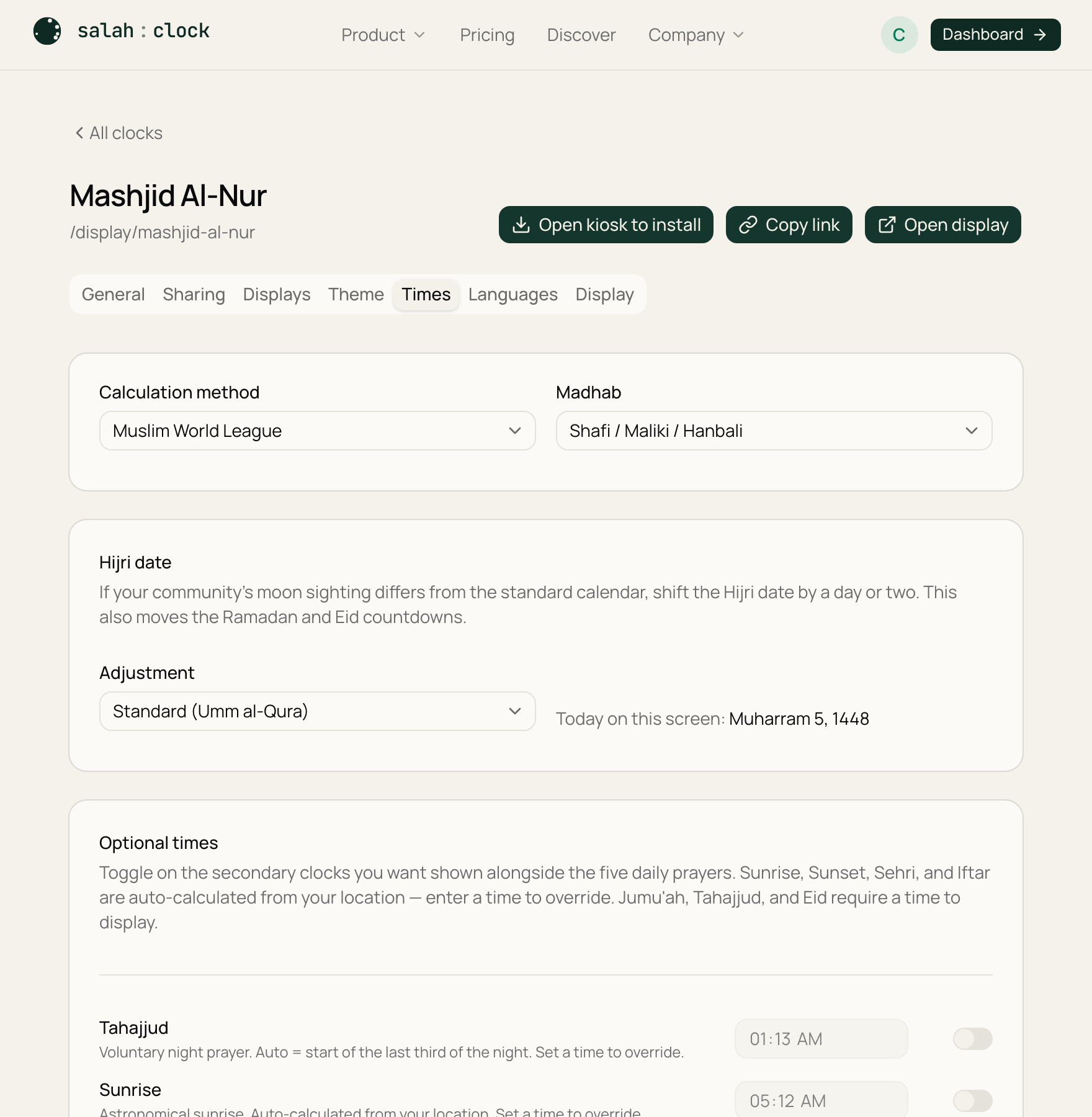
The adhan time is calculated for you. The iqamah time — when your jamāʿah actually stands — is your decision. You set it here, on the Times tab.
Iqamah offsets
The simplest way is an offset: how many minutes after the adhan the iqamah happens. Set one per prayer:
| Prayer | Typical offset |
|---|---|
| Fajr | 20 min |
| Dhuhr | 10 min |
| Asr | 10 min |
| Maghrib | 5 min |
| Isha | 15 min |
| Jumuʿah | 60 min |
These are just defaults — use whatever your mosque follows. The calculated adhan time is shown next to each box so you can see the resulting iqamah at a glance.
Tip
Offsets follow the adhan automatically all year, so your iqamah times shift with the seasons without you touching anything.
Custom adhan overrides
Sometimes you want the displayed adhan time to match your printed timetable exactly, rather than the calculated minute. Use a custom adhan override to pin a specific prayer to a specific HH:MM time. Overrides are time-zone aware and apply from the date you set them.
Note
Use overrides sparingly — they replace the automatic calculation for that prayer, so you become responsible for keeping them current. For most mosques the calculated times plus iqamah offsets are all you need.
Supplementary times
Tahajjud, sunrise, Sehri, Iftar and friends are set on the next page — Supplementary times.