Prayer time calculation
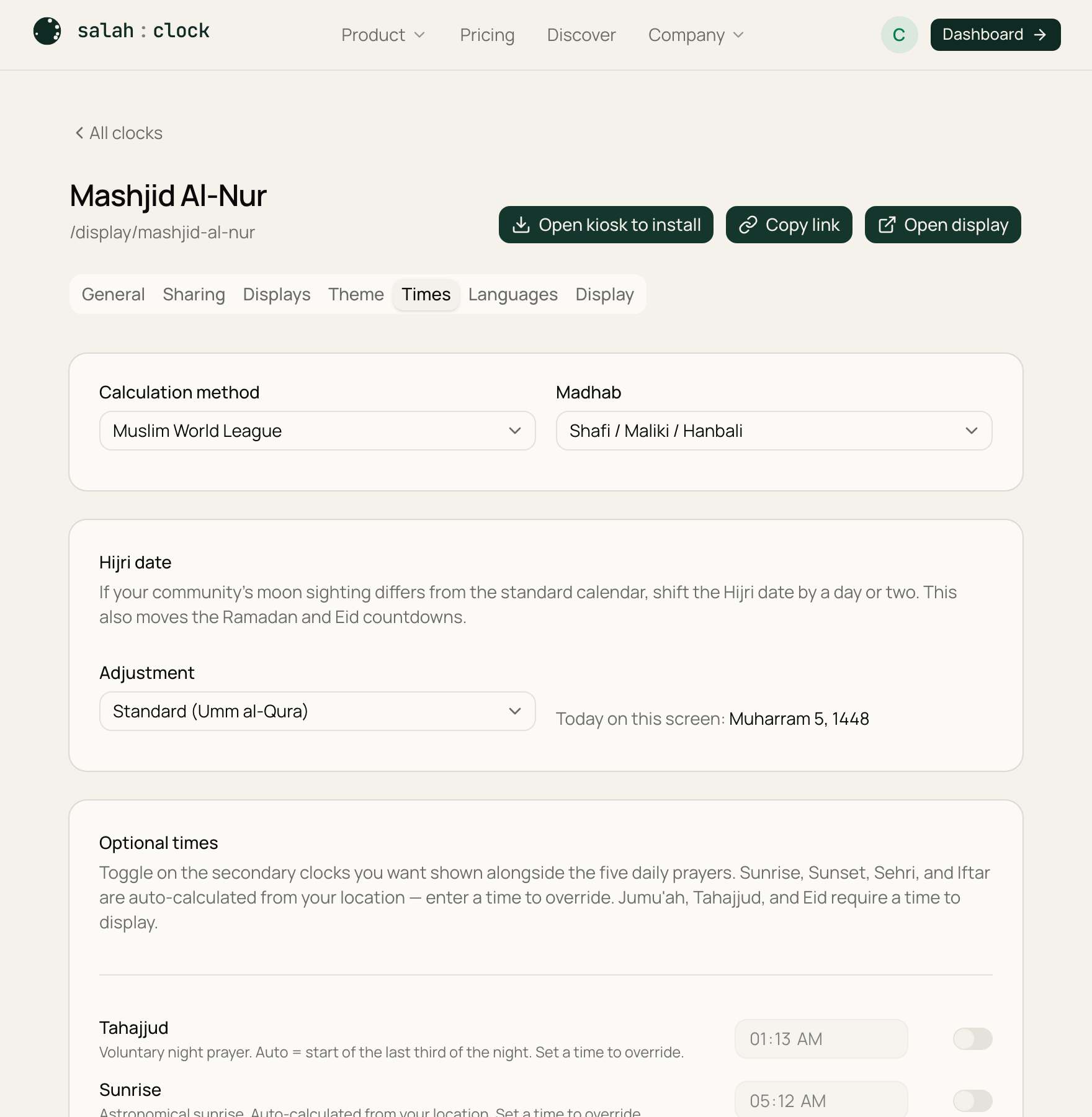
SalahClock calculates the adhan (call to prayer) times for your exact location automatically. Three settings shape those times. They all live on the Times tab.
Calculation method
Different organisations use slightly different angles for Fajr and Isha. The calculation method picks which convention to follow. SalahClock supports the common ones, including:
- Muslim World League
- Islamic Society of North America (ISNA)
- Umm al-Qura (Makkah)
- University of Islamic Sciences, Karachi
- Egyptian General Authority / Al-Azhar
- Gulf, Kuwait, Qatar, Singapore, Turkey (Diyanet), and more
Which one should I pick?
Match whatever your local masjid already uses, so your display agrees with the community. Their website or noticeboard usually says.
Madhab
The madhab setting changes only the Asr time:
- Hanafi — the later Asr.
- Shafi'i / Maliki / Hanbali — the earlier Asr.
Every other prayer is unaffected.
Hijri date offset
The Islamic (Hijri) calendar follows moon sightings, so the official date in your country can be a day ahead of or behind the calculated one. Use the Hijri date offset to nudge the displayed Islamic date by ±2 days so it matches your local announcement.
Note
Adhan times are calculated; iqamah times are up to you. Set those on the Iqamah & adhan times page. If you ever need to override a single calculated adhan time, you can do that there too.