Usage, limits & paused clocks
Your Plan & usage page shows exactly where you stand.
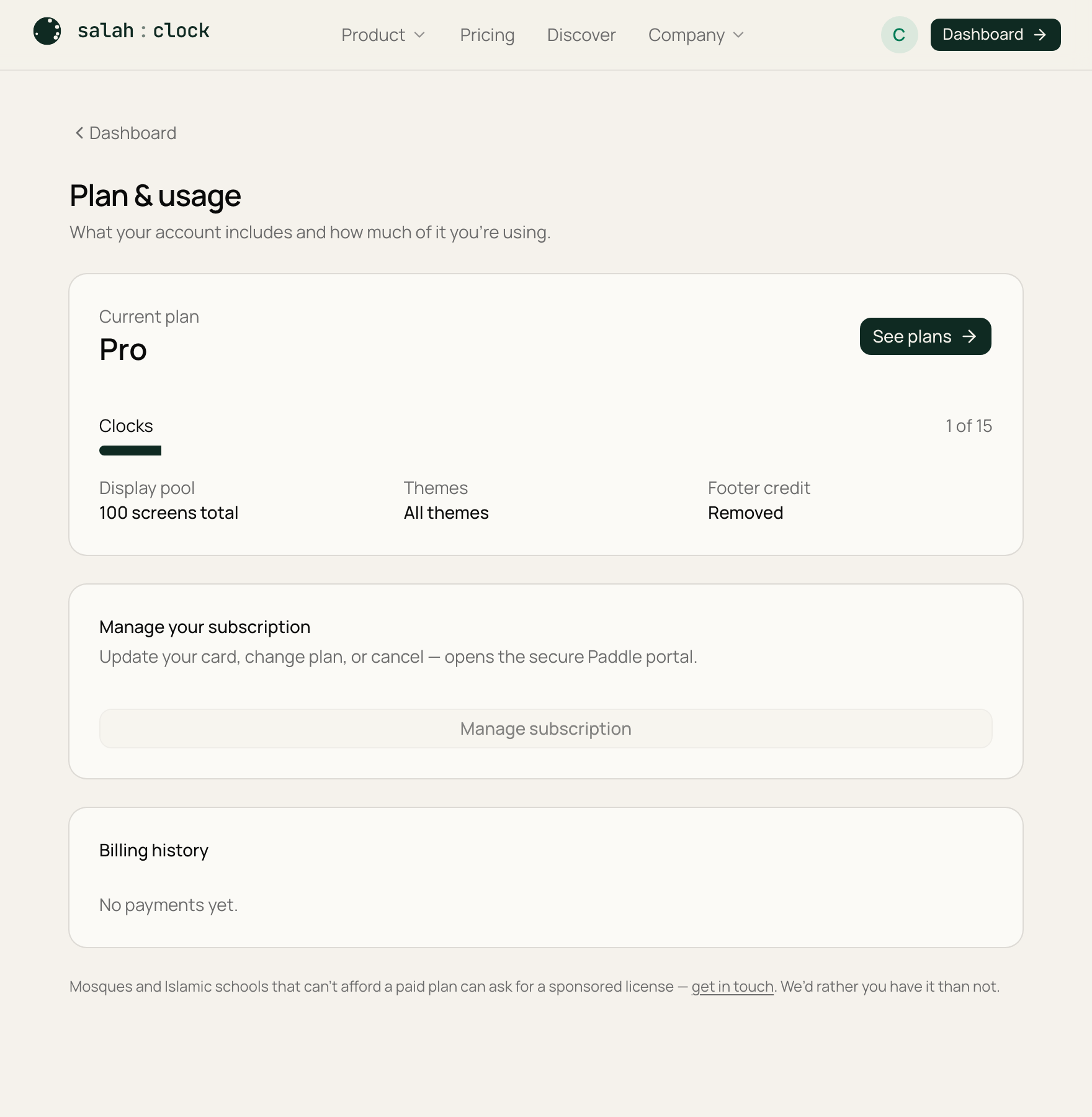
What you'll see
- Plan — your current plan and its renewal date.
- Clocks — how many you've made versus your cap, like 2 of 3.
- Displays — total screens across all your clocks.
- Themes — starter set, or all themes.
- Footer credit — shown, or removed (white-label).
Badges flag special states like Suspended.
Going over the limit
Plans have a clock cap. If you end up above it — usually after a downgrade — the extra clocks are paused, not deleted:
- Paused clocks are listed in their own section on the usage page.
- Their displays show a calm notice instead of the clock.
- Nothing is lost. The moment your plan covers them again — by upgrading or removing other clocks — they resume exactly as they were.
Downgrading?
Before you downgrade, check how many clocks the lower plan allows. Anything over that simply pauses until you're back within the cap — your settings stay safe the whole time.
Next: Upgrading & managing billing.