Install as an app (PWA)
Your display can be installed as an app on the device that runs it. This gives you a cleaner kiosk (no browser chrome) and keeps the clock running even if the internet drops.
Install it
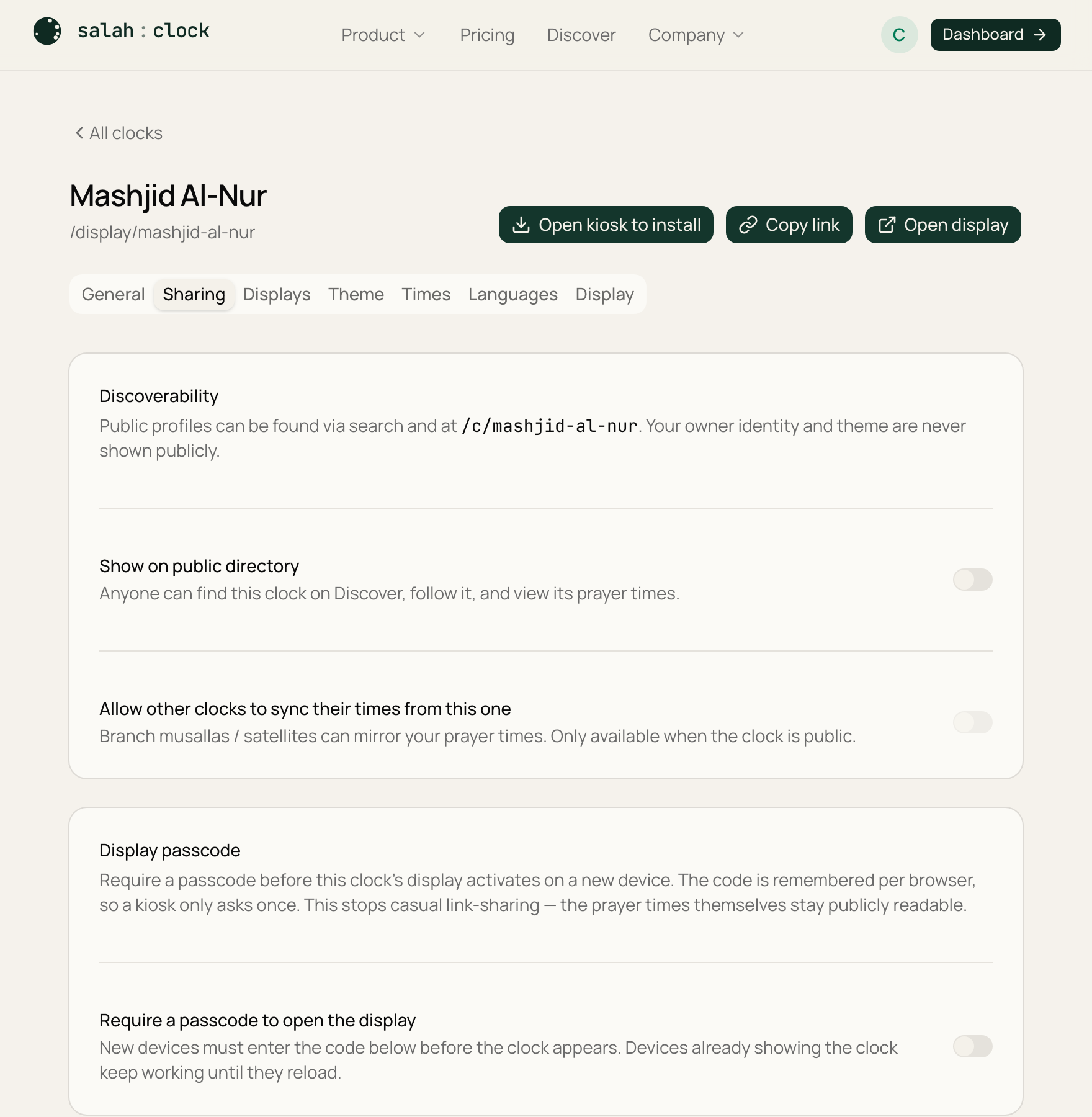
Open the clock's settings and press Install app, or use your browser's "Install" / "Add to Home Screen" option while viewing the display. The clock gets its own app icon and name and opens full-screen, like a native app.
Works offline
Once installed, the display keeps a 30-day offline cache. If your connection drops, the clock keeps ticking and showing accurate prayer times from the cached schedule — your wall never goes blank because the Wi-Fi hiccupped.
Tip
Installing is the most reliable setup for a screen that runs all day. It shrugs off reboots and brief outages far better than a browser tab.
Note
When you change settings, the installed display still updates live as soon as it's back online — and offline alerts let you know if a screen drops off (see Hardware & monitoring).