Display & orientation
A few small switches on the On screen tab control how the clock looks on the wall.
Display options
- Show seconds — display a ticking seconds value on the clock.
- Show Hijri date — display today's Islamic date.
Orientation (vertical / portrait mode)
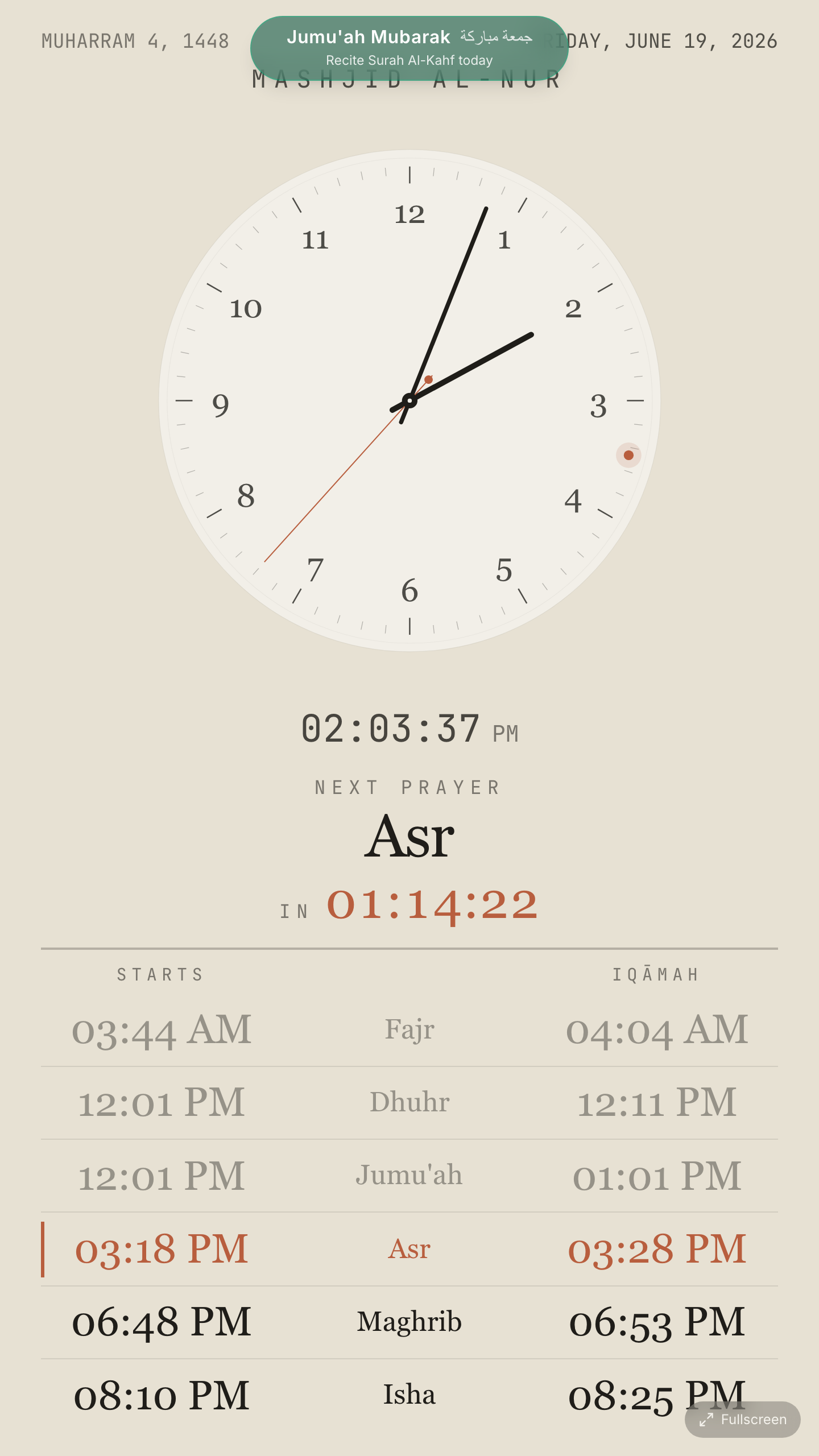
Mounting your TV sideways in portrait? Set the orientation so the display rotates to match:
- Auto — follow the screen's own orientation.
- Vertical (rotate 90°) — for a TV turned one way.
- Vertical (rotate 270°) — for a TV turned the other way.
Note
Vertical mode is a real portrait layout — the prayer rows and clock are re-arranged for a tall screen, not simply rotated. All themes support it.
Tip
If your picture is rotated the wrong way, switch between 90° and 270° — one of the two will be upright for your mount.